

Email documents in
PlanStandard and Professional
Forward invoices, receipts and quotes from your own email to your project’s private address, and they are added to your documents without you downloading and re-uploading them.
Steps
- On a desktop or a phone, choose the Settings (cog) icon in the header.
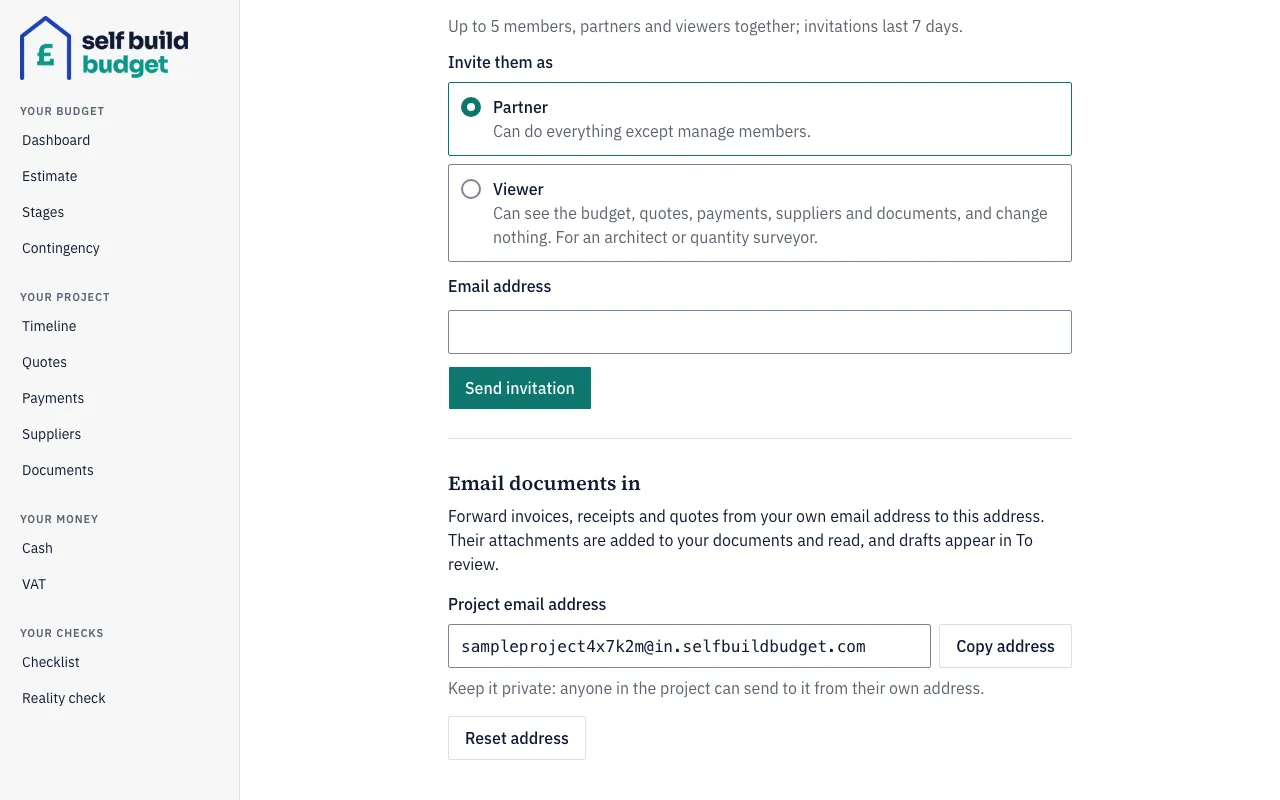
- Scroll to the Email documents in section.
- Find your address under Project email address. It ends “@in.selfbuildbudget.com”.
- Choose Copy address.
- In your email app, forward the invoice, receipt or quote to that address from your own email address.
- The attachments are saved as documents and read by the app. Each shows “Emailed in by” followed by your name.
- Look in To review for the draft. A forwarded invoice or receipt becomes a draft payment, and a forwarded quote becomes a draft quote.
- Check the draft. Nothing counts until the owner or a partner confirms it.
Good to know
- Keep the project email address private and treat it like a password. If it gets out, the owner can choose Reset address in Settings. You get a new address, and emails sent to the old one are no longer accepted. Partners can see and copy the address, but only the owner can reset it.
- Only PDFs and images can be added. If an email also has another kind of file, such as a Word document, the PDFs and images are still saved. You get an email saying the other file was skipped.
- Every PDF or image attached to an email is saved as its own document, so one email with 3 PDFs gives you 3 documents. An email with no attachment, such as an emailed receipt, is saved as a PDF itself.
- A draft counts nowhere, on the Dashboard or anywhere else, until the owner or a partner confirms it. Only the owner or a partner can confirm a draft or discard it.
- Only emails from the owner and partners are accepted. If someone else sends to the address, or a viewer does, nothing is added and no reply is sent.
- If the same email arrives twice, you don’t get duplicate documents.
Who can do this
The owner and partners can email documents in and check the drafts. Only the owner can reset the address. Viewers can’t email documents in and don’t see drafts.
On Free, this page is locked. See what each plan includes