

Export all your data
PlanAll plans, including Free
You can download everything Self Build Budget holds about your project in one zip file. It is yours to keep, open in a spreadsheet or take elsewhere.
Steps
- Go to Stages. On a desktop, choose Stages in the menu on the left. On a phone, tap the Budget tab at the bottom of the screen, then the Stages tab at the top.
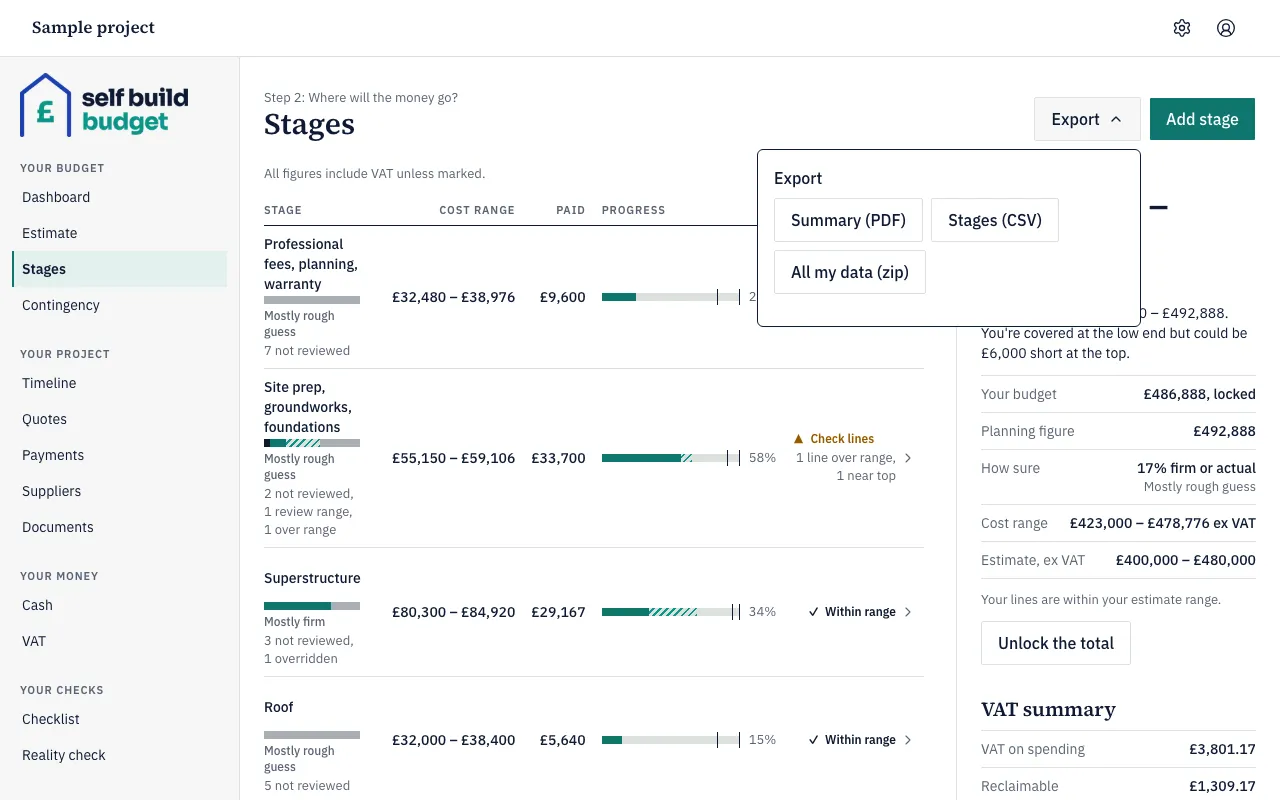
- Choose Export at the top of the page.
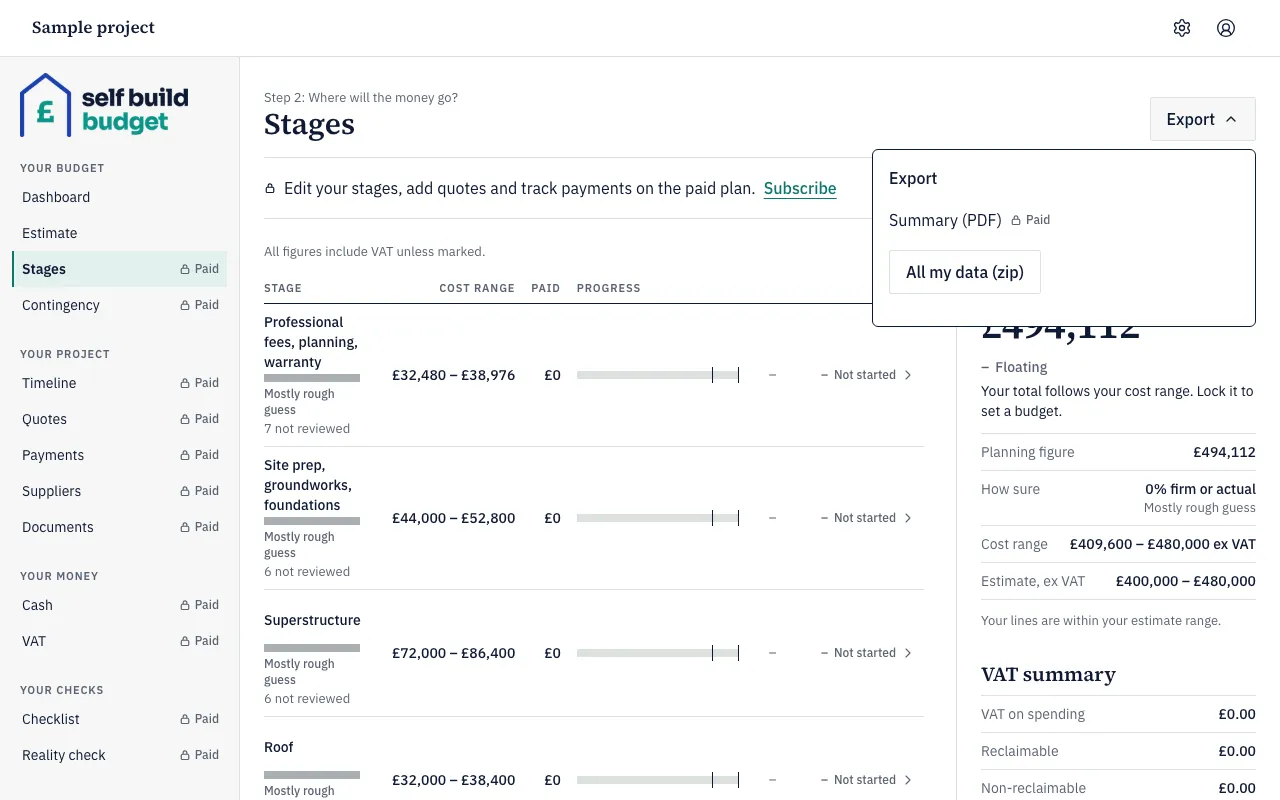
- In the menu that opens, choose All my data (zip).
On Free, the menu shows All my data (zip) and a lock beside Summary (PDF), because the summary PDF is part of Standard.
- Wait for the zip file to download to your device.
What’s in the zip
- CSV files (spreadsheet files) for budget lines, quotes, quote allocations, payments, payment allocations, variations, contingency draw-downs, money in, instalments, checklist items and stages.
- A change history CSV. It lists each change with the person’s name and the date. Level changes, overrides and reopenings are included with their reasons.
- A documents folder with every document you have uploaded.
- A README that explains each file.
Each budget line in the budget lines file has these columns: low and high, both ex VAT and inc VAT, How sure, overridden, override reason, finished, accepted quotes, paid, known so far and planning figure.
Good to know
- All my data (zip) is only in the Export menu on Stages. The Dashboard’s Export menu doesn’t have it.
- It works on every plan, including Free. On Free, Stages is a read-only preview, but the zip still holds the same files as on Standard and Professional, including your stages and budget lines.
- The CSV files are ready for a spreadsheet. Amounts are in pounds with two decimal places, dates are written as YYYY-MM-DD, and each row refers to related rows by ID.
- If you have a lot of documents, you may see “We’re preparing your export”. The download starts when it is ready, as long as you keep the page open.
- A viewer’s zip leaves out cash flow, the timeline, the VAT claim, Contingency left and draw-downs, and the checklist.
Who can do this
Owners, partners and viewers can all download the zip. A viewer’s download leaves out cash flow, the timeline, the VAT claim, Contingency left and draw-downs, and the checklist.