

Signing in and staying secure
PlanAll plans, including Free
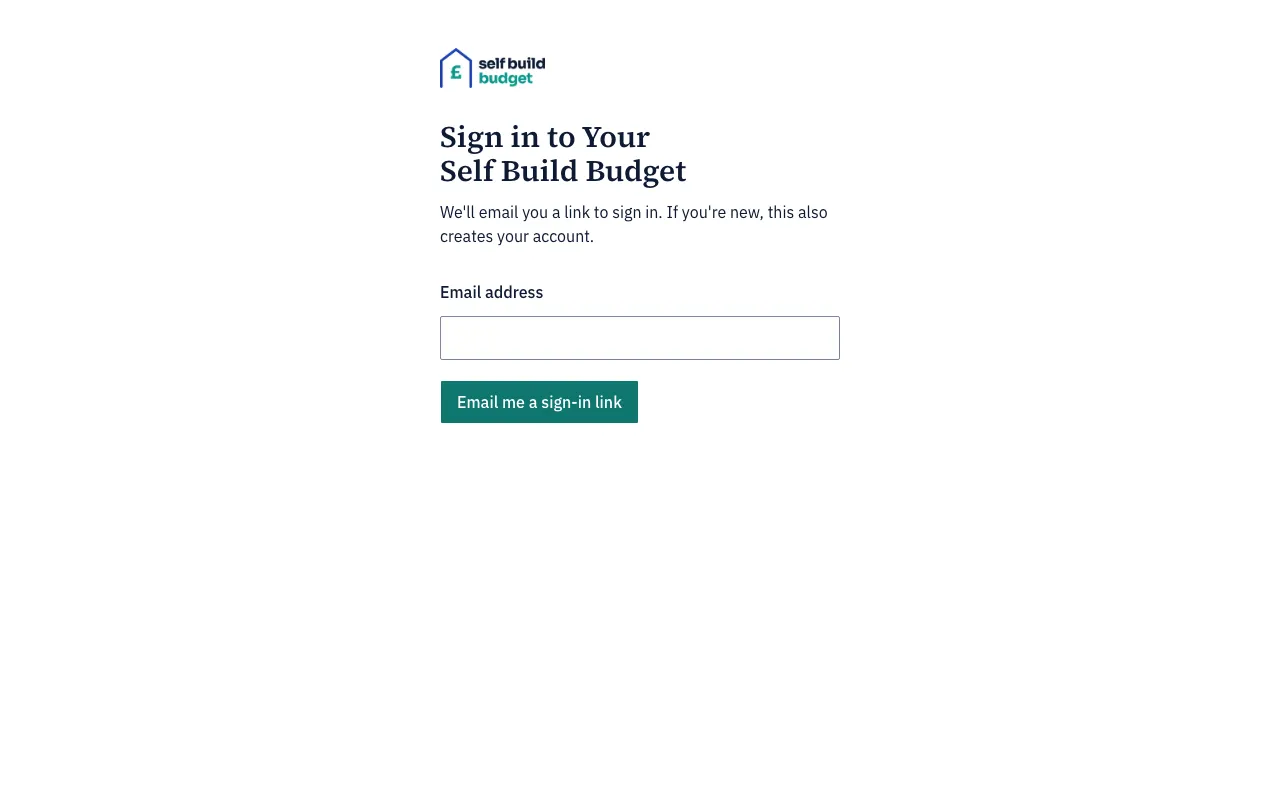
Self Build Budget has no password. We email you a link to sign in, so you can pick up your budget on your phone on site or on a desktop at home.
Steps
- Go to the sign-in page.
- Type your email address in the Email address field.
- Choose Email me a sign-in link.
- Check your email. The page shows “If that email is valid, we’ve sent you a link”.
- Open the link in the email. You can open it on the device you asked from or on any other. It works once and lasts 15 minutes.
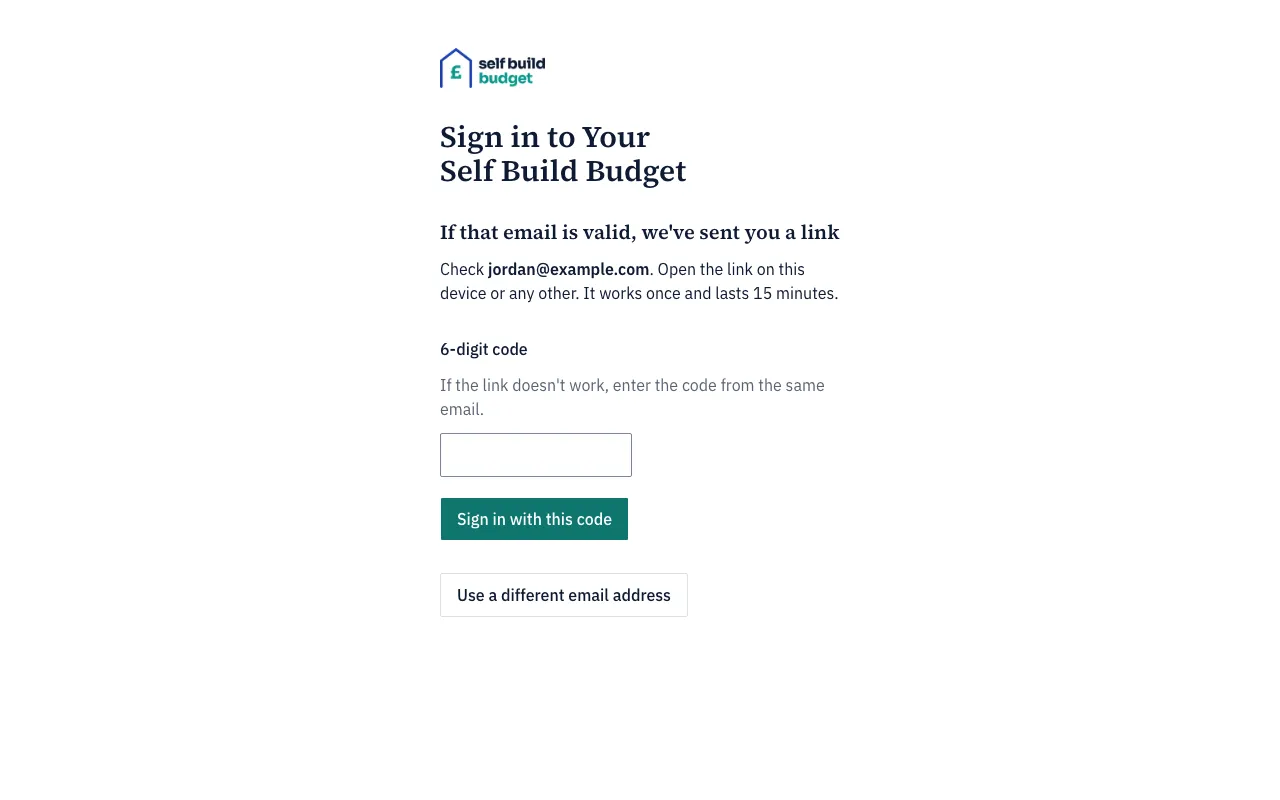
- If the link doesn’t work, type the 6-digit code from the same email into the 6-digit code field and choose Sign in with this code.
- If you typed the wrong address, choose Use a different email address.
If you are new, your first sign-in creates your account and takes you to create your project. If you already have a project, signing in takes you to its Dashboard. If the budget hasn’t been created yet, you go to Stages, where you create it.
If a link doesn’t work
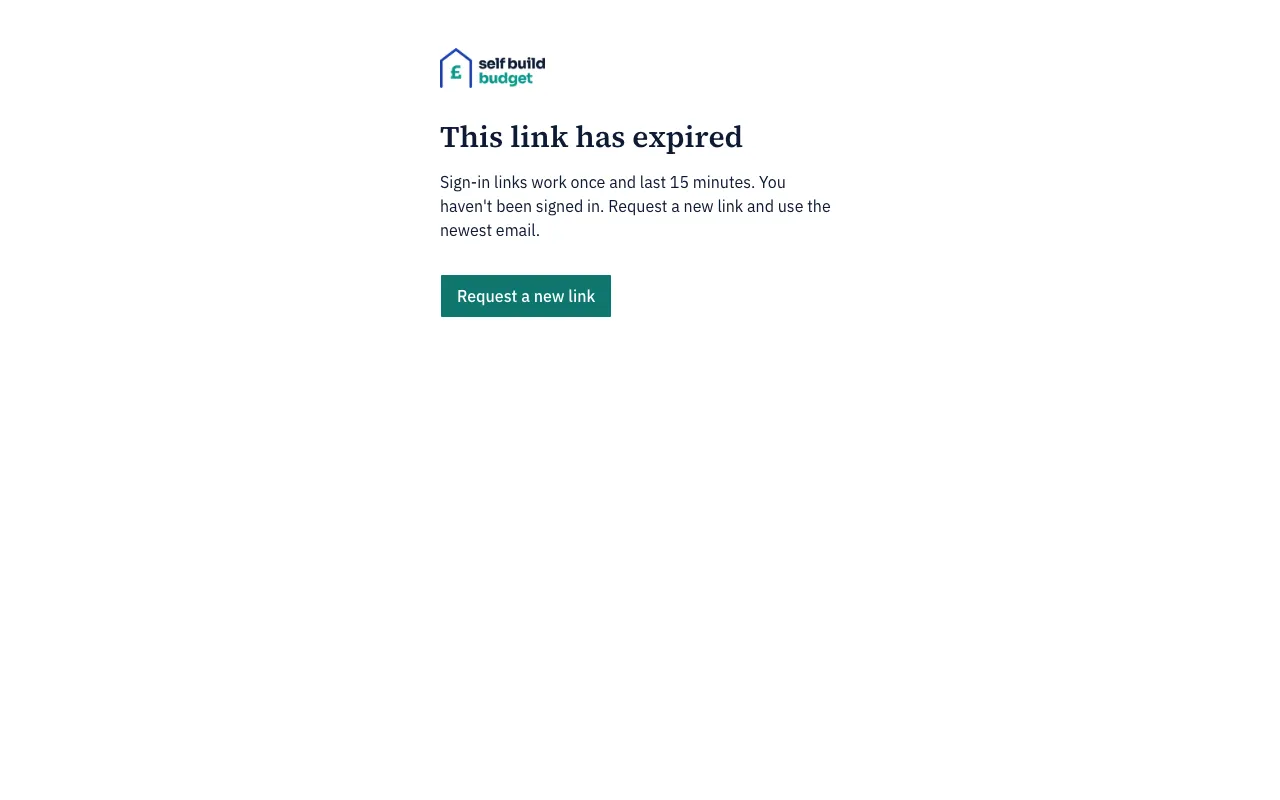
A link that has expired shows “This link has expired”. A link you have already used shows “This link has already been used”. Either way you haven’t been signed in. Choose Request a new link, then use the newest email.
Sign out
- Choose the account icon in the header, at the top right of the page.
- Choose Sign out.
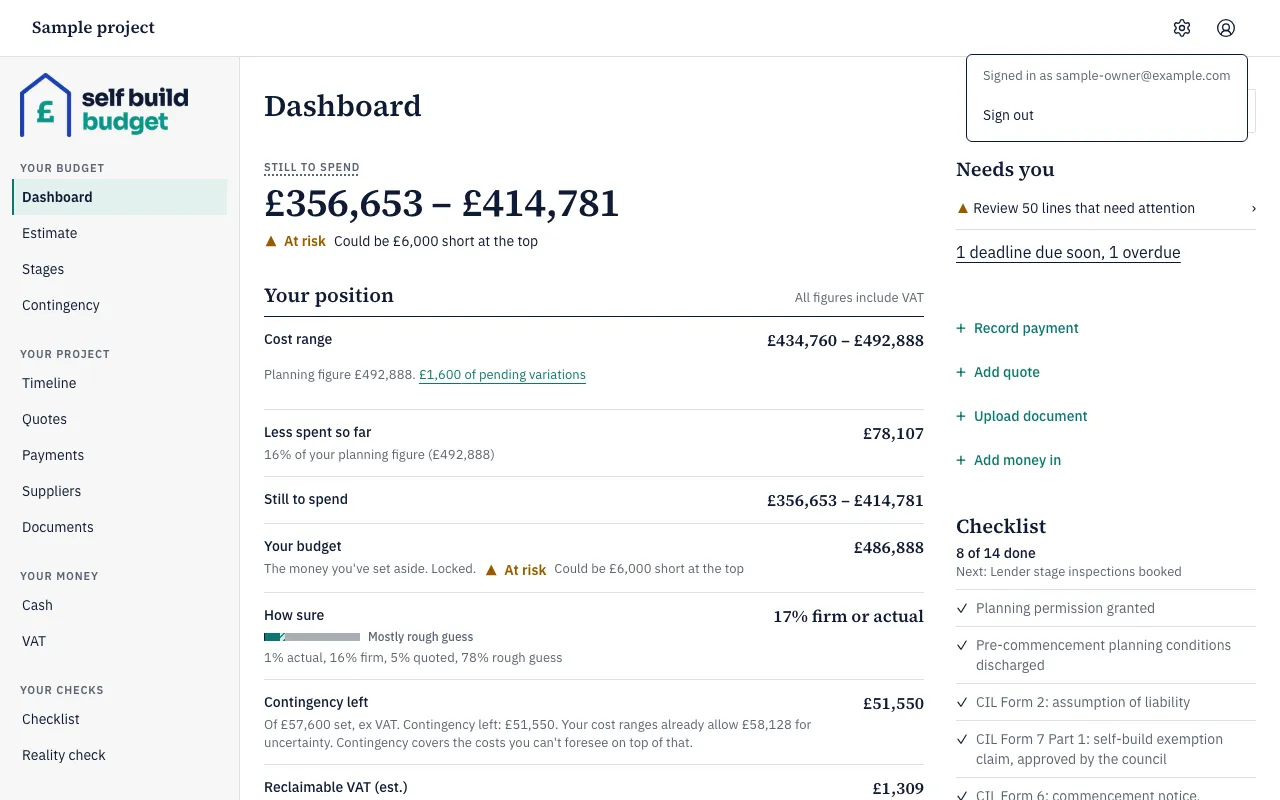
You are then signed out on that device only.
Good to know
- If you open a page such as Payments while signed out, the sign-in link takes you back to that page once you have signed in.
- If you ask for a link with an email address that isn’t valid, such as one with no ending after the @, you see “Enter a valid email address”.
- We sign you out after 30 minutes without using Self Build Budget. One minute before, a warning asks “Are you still there?” and counts down from 1:00. Choose Stay signed in, or press Escape, to carry on for another 30 minutes.
- Clicking, typing or scrolling the page starts the 30 minutes again. While the warning is showing, scrolling the page behind it doesn’t keep you signed in.
- If you have changed an amount but not saved it, the warning also says “You have changes that aren’t saved. Choose Stay signed in, then save them, or they will be lost.”
- If your device was asleep for 30 minutes or more, you are signed out as soon as it wakes. You land on the sign-in page with a message saying why. If you have Self Build Budget open in more than one tab, using any tab keeps them all signed in, and being signed out in one signs out them all.
Who can do this
The owner, partners and viewers all sign in and out in the same way.